01v1.2.1
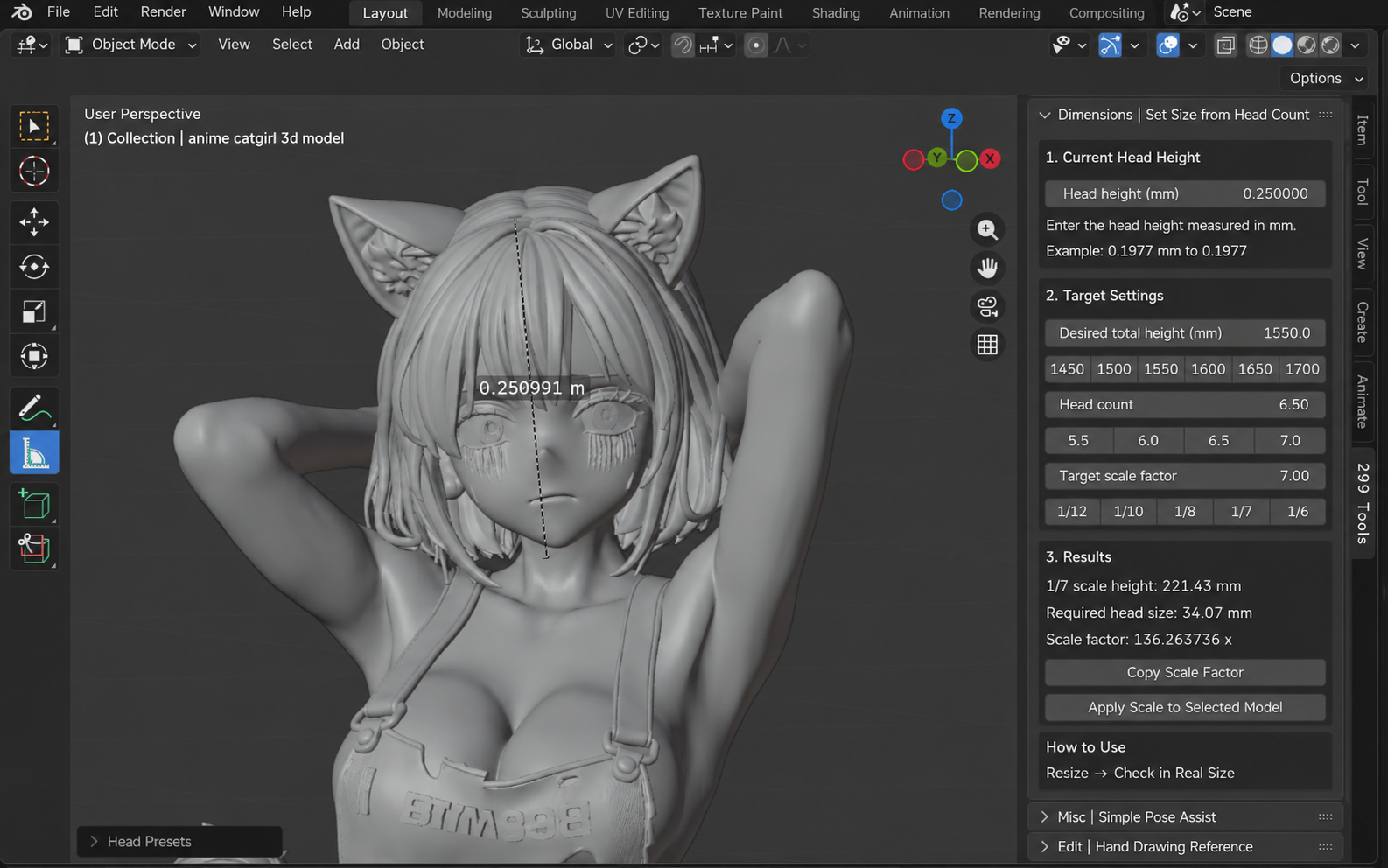
DIMENSIONS / SCALE
Size from Head Proportion
Calculates finished head size and the required scale factor from the current head dimension, assumed height, body proportion, and target model scale.

299 Tools is a Blender helper suite for preparing figure data for 3D printing. It brings together seven tasks that repeatedly came up while turning AI-generated models into printable parts.
Development and basic testing have focused mainly on AI-generated figure-shaped meshes. Auto Segment is not intended for hard-surface models. You are free to try it, but it probably will not segment them well.
RELEASE
The suite includes seven tools: Size from Head Proportion, Simple Pose Helper, Auto Segment, Surface Bridge, Freehand Cut, Backface Check, and Clearance Boolean.
v1.2.1: Added Line Split & Separate to Freehand Cut and refined the UI and drawing controls.
DOWNLOAD
This is the 299 Tools v1.2.1 package installed in Blender.
TOOLS / 07
DIMENSIONS / SCALE
Calculates finished head size and the required scale factor from the current head dimension, assumed height, body proportion, and target model scale.
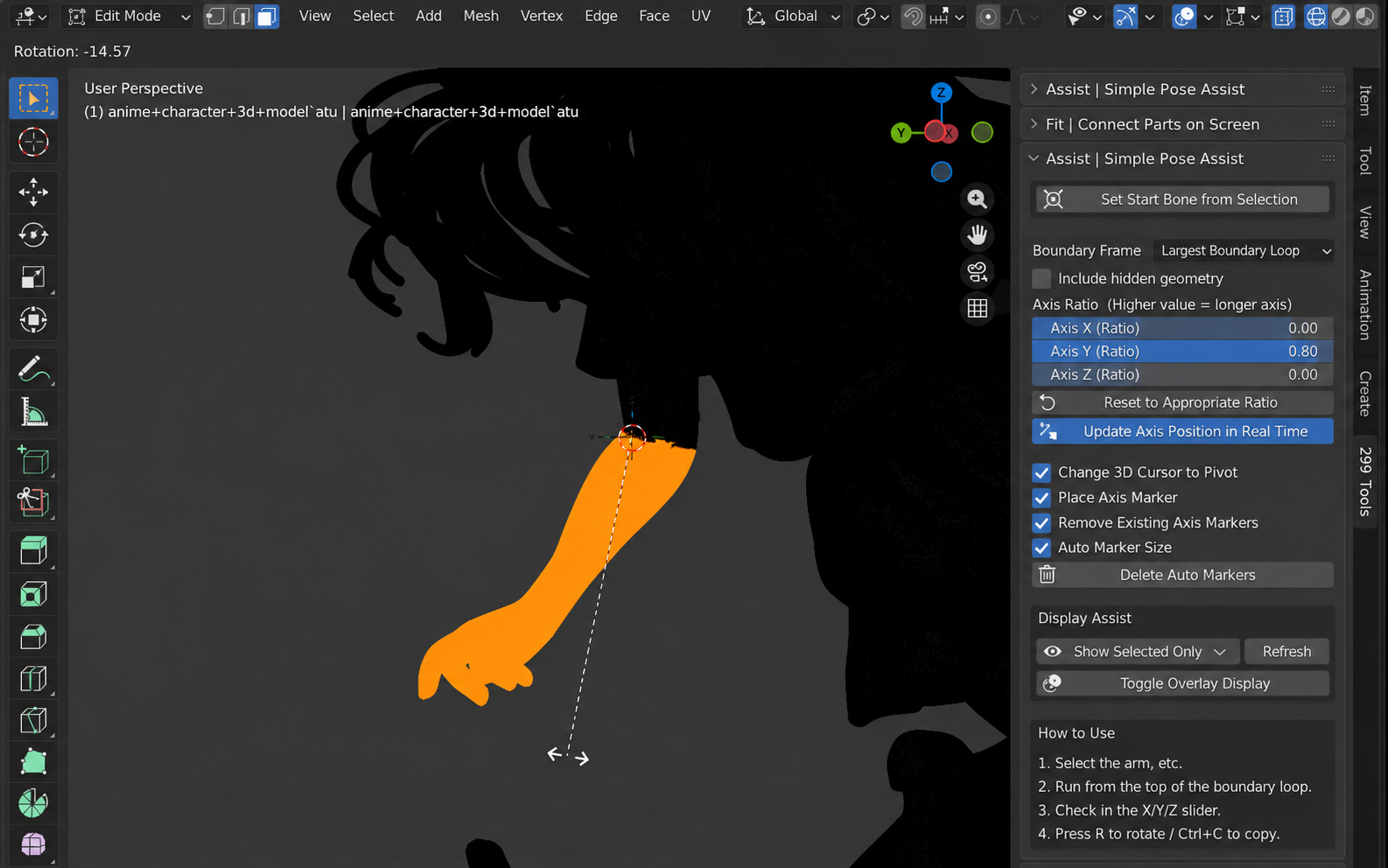
ASSIST / POSE
Creates a simple rotation reference from the selected region to make small pose adjustments easier without building a full armature.
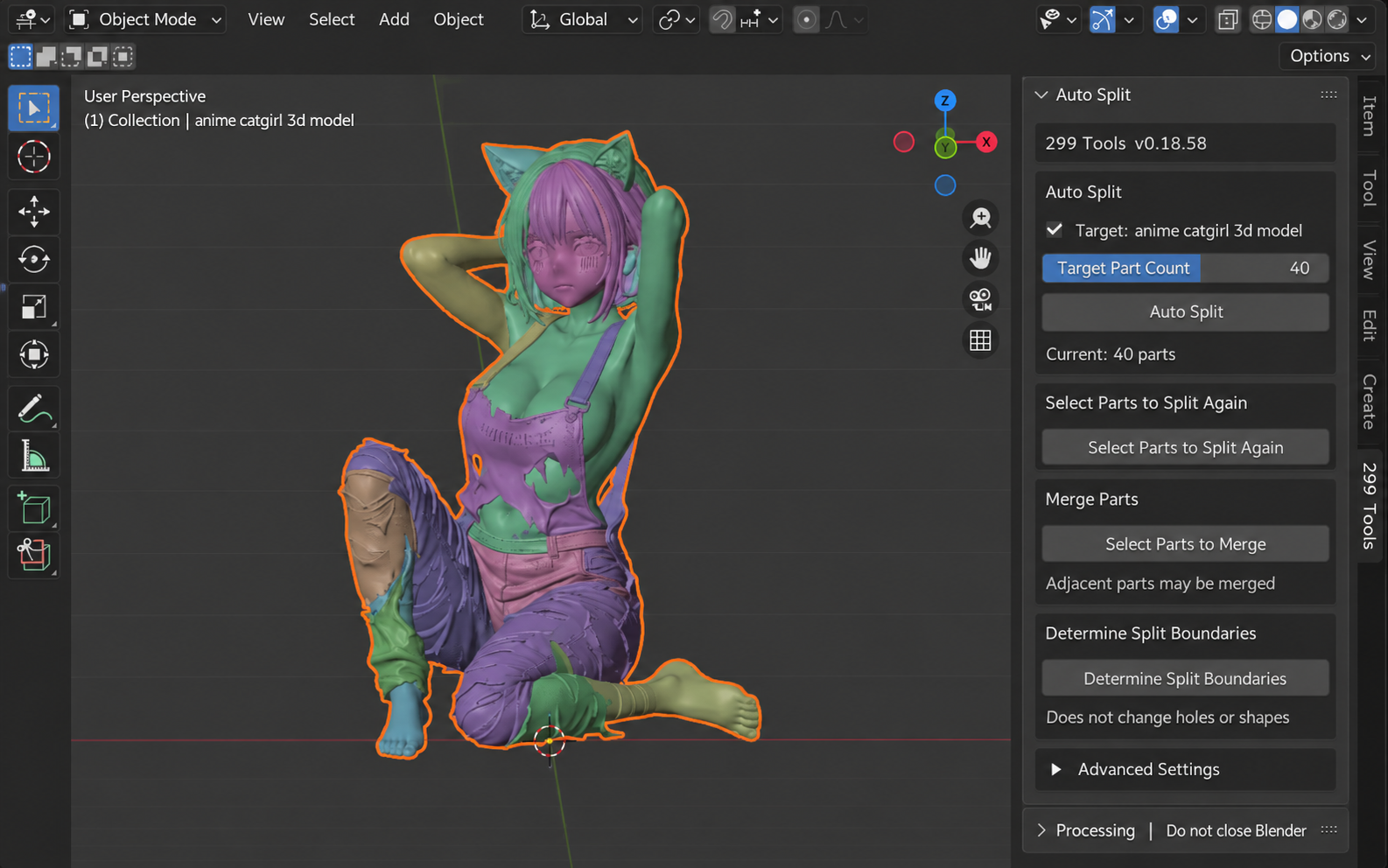
AUTO SEGMENT
Automatically classifies one mesh into multiple part candidates. Review the color-coded result, then re-split or merge parts before finalizing.
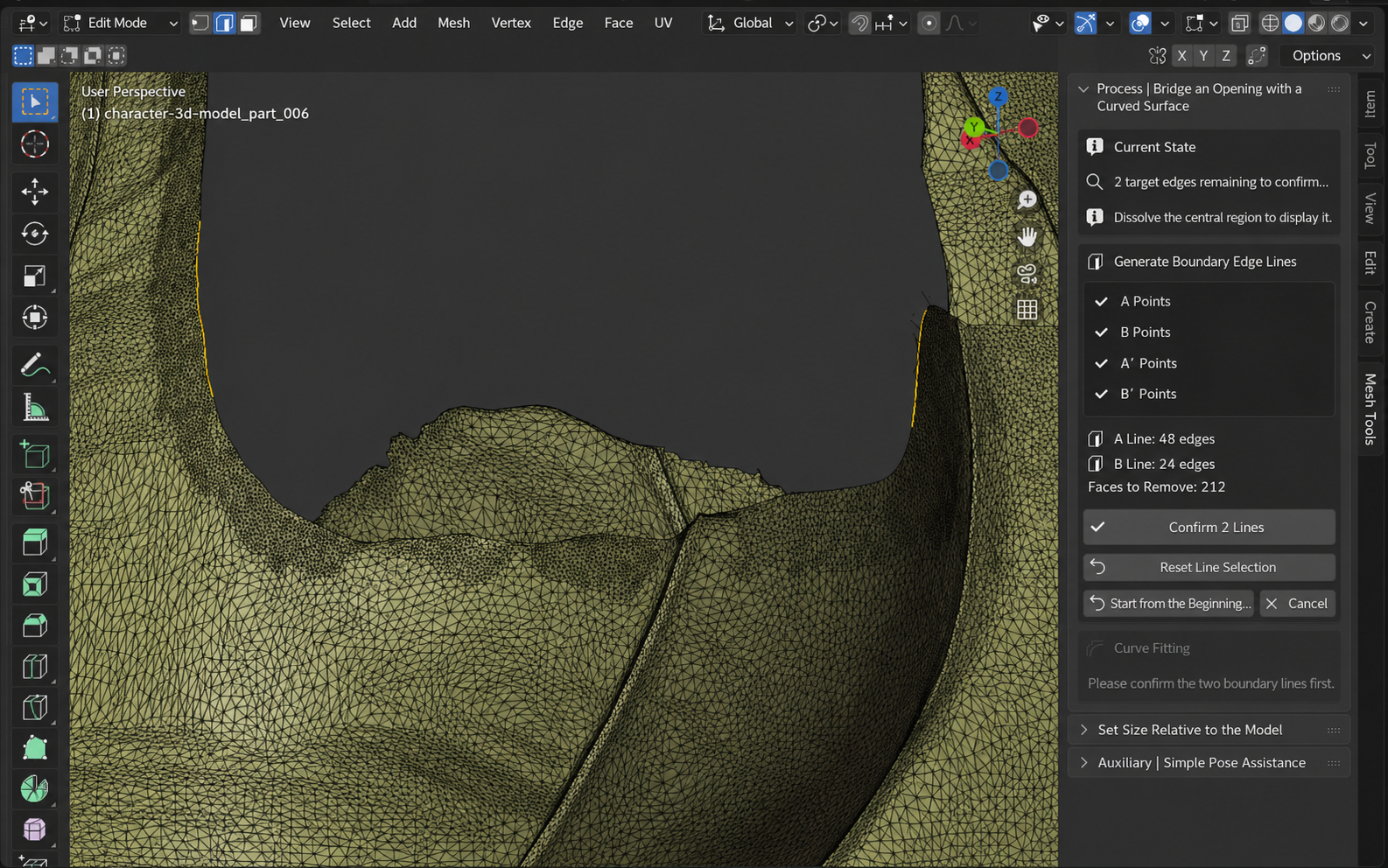
PROCESS / SURFACE
Defines two edge lines along an opening and creates a curved surface between them, with control-point adjustment before confirmation.
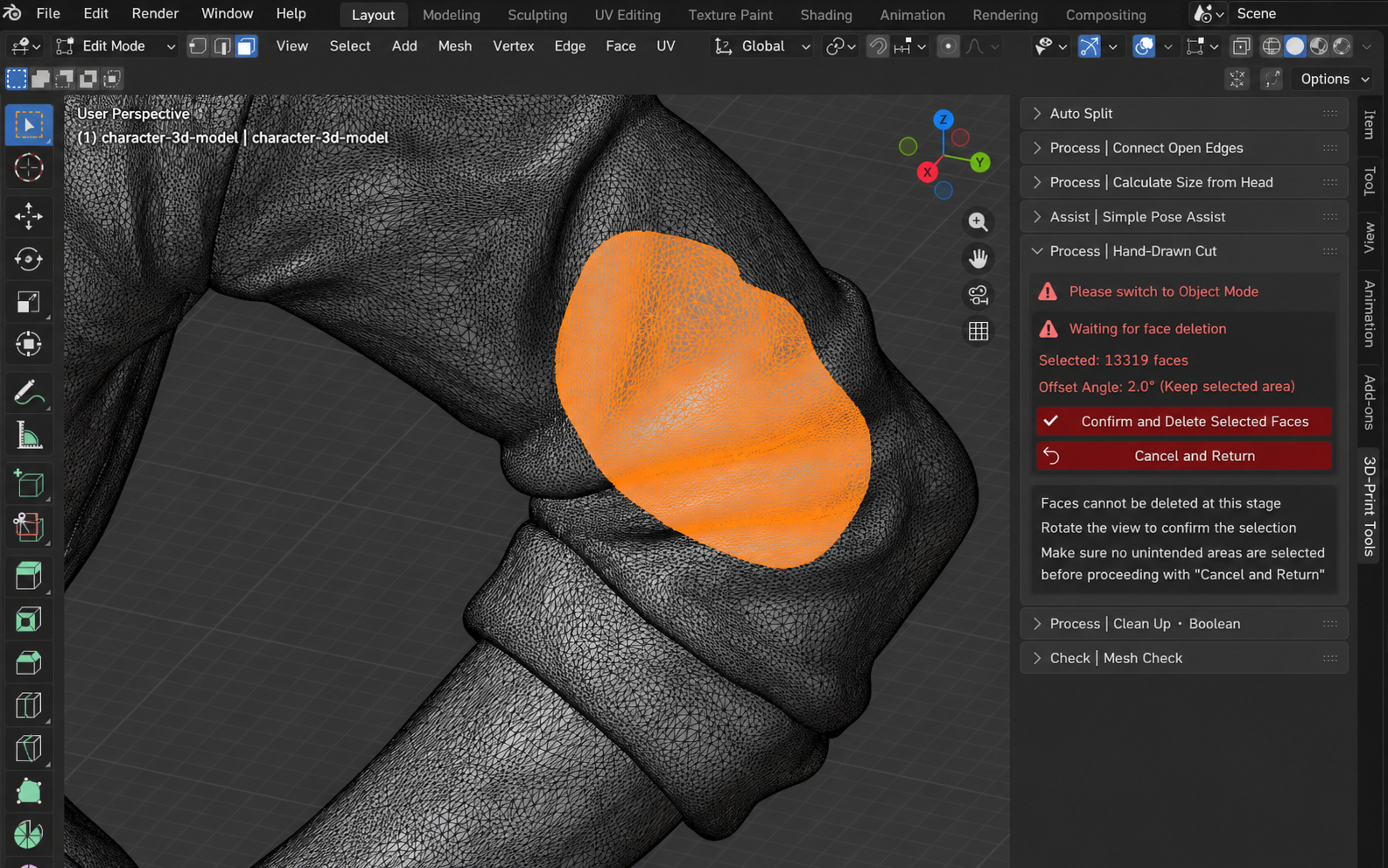
PROCESS / CUT
Two methods: Outline Cut & Delete / Line Split & Separate. Delete an outlined area, or draw from outside the object to outside the other side to create a separate object. Cut surfaces are not capped.
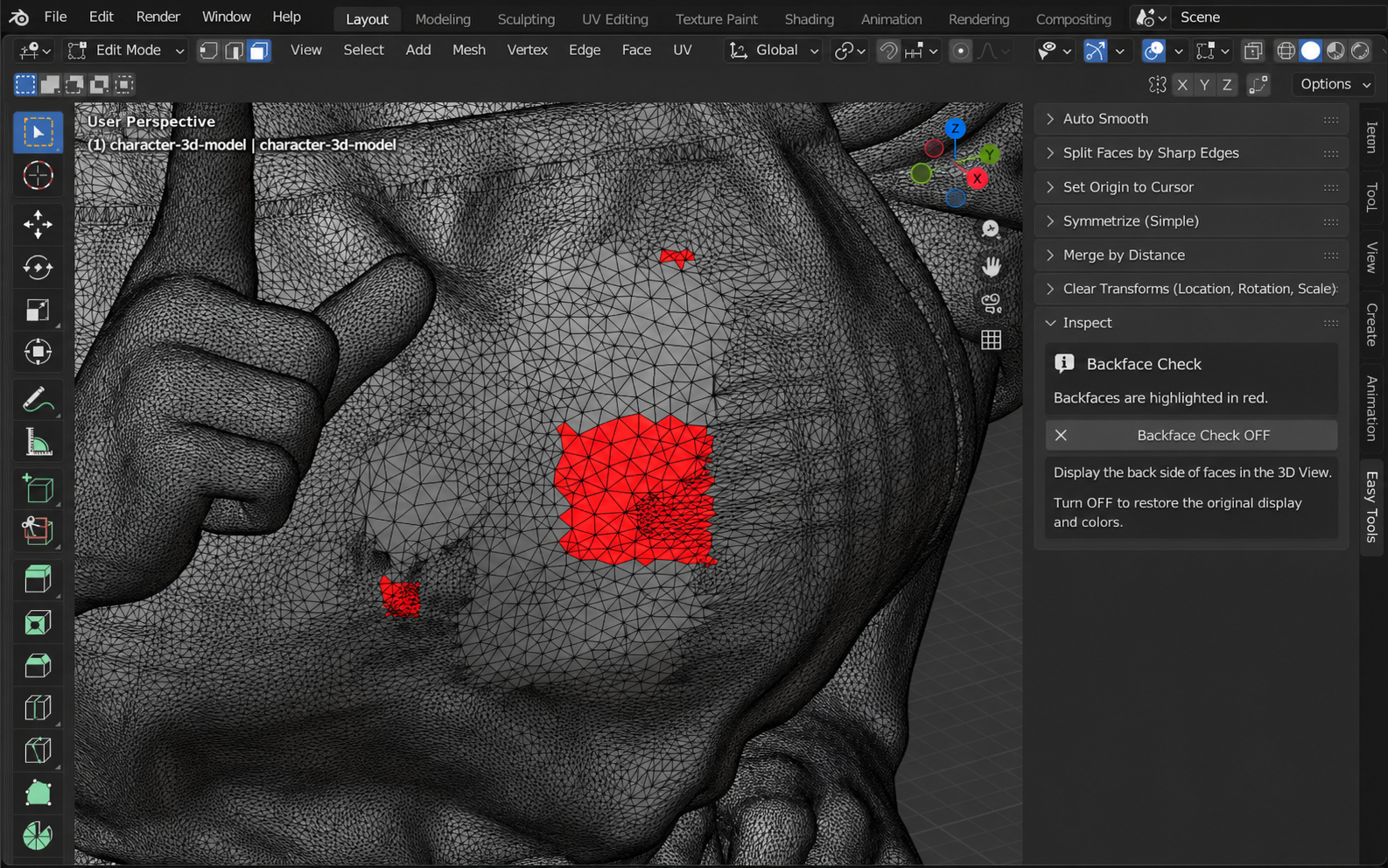
INSPECT
Uses Blender's Face Orientation display to highlight backfaces in red for quick visual inspection before printing.
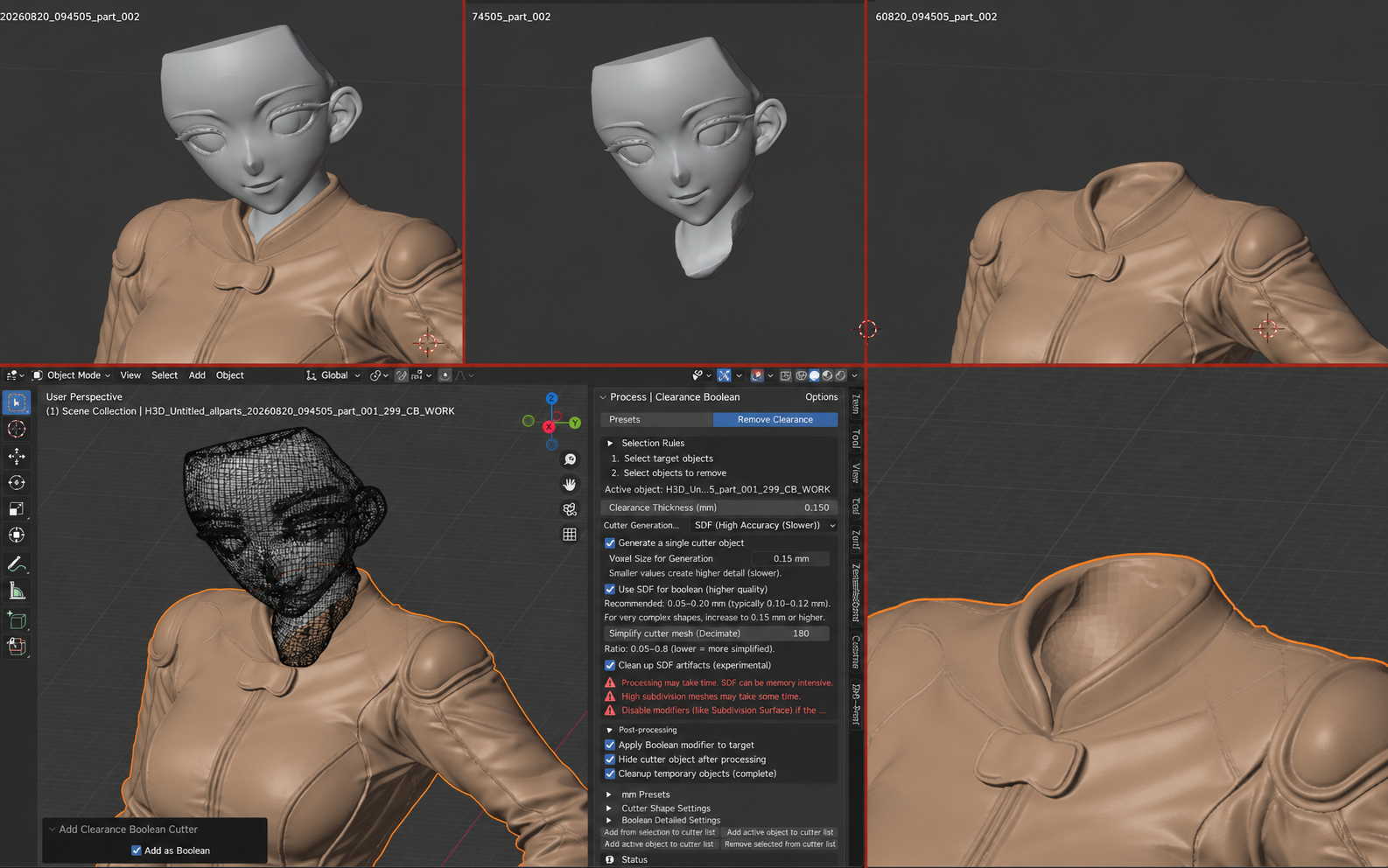
PROCESS / BOOLEAN
Creates controlled clearance between parts by expanding a cutter and performing a Difference Boolean.
299 Tools v1.2.1 targets Blender 5.2.1 LTS and has been tested hands-on in that environment.
IMPORTANT / UNITS
Unit handling can vary by environment, so this section describes only what has been observed in the 299 Tools development/test workflow. It is not a universal Blender, STL, or slicer conversion rule.
BUG REPORT
If you encounter a bug or behavior that differs from the manual, please report it below. Blender version, OS, feature used, and reproduction steps are especially useful. We may reply when additional information is needed, so please provide a reachable email address if appropriate.
299 Tools does not guarantee correct operation or processing results for every mesh or environment. Save your Blender file before use and keep backups of important data.
299 MODEL WORKS cannot accept responsibility for data corruption, loss of work, or other damages resulting from the use of 299 Tools.